

28 Aug What’s Included in a Basic Home Security System?
A basic home security system typically includes five core components: a control panel, door and window sensors, a motion detector, an entry keypad, and a connection to monitoring or connected alerts, according to Consumer Reports’ buying guide on the subject. That’s the honest, unglamorous answer to what’s included in a basic home security system, and it’s worth knowing before anyone in Tulsa, OK sits through a sales pitch that bundles in a dozen extras. Most of what gets added on top, extra cameras, smart locks, environmental sensors, glass-break detectors, is genuinely useful for some households and unnecessary for others.
That distinction matters because home security spending adds up fast when every add-on gets sold as essential. This guide breaks down exactly what a basic system covers, what each piece actually does in plain terms, and where the line sits between “core” and “optional” so a homeowner can walk into any conversation about home security already knowing what they’re being offered.
What’s Included in a Basic Home Security System: The Core Components
The table below lists the five components most basic home security systems are built around. Every fact here is explained again in the sections that follow, so nothing in the table stands alone.
| Component | What It Does |
|---|---|
| Control panel / hub | Acts as the central brain of the system, communicating with every sensor and passing signals along to the monitoring connection or a homeowner’s phone. |
| Door and window sensors | Two-part magnetic sensors that trigger an alert the instant a protected door or window opens while the system is armed. |
| Motion detector | Senses movement inside a room, usually placed to cover a hallway, main living area, or the path from a common entry point. |
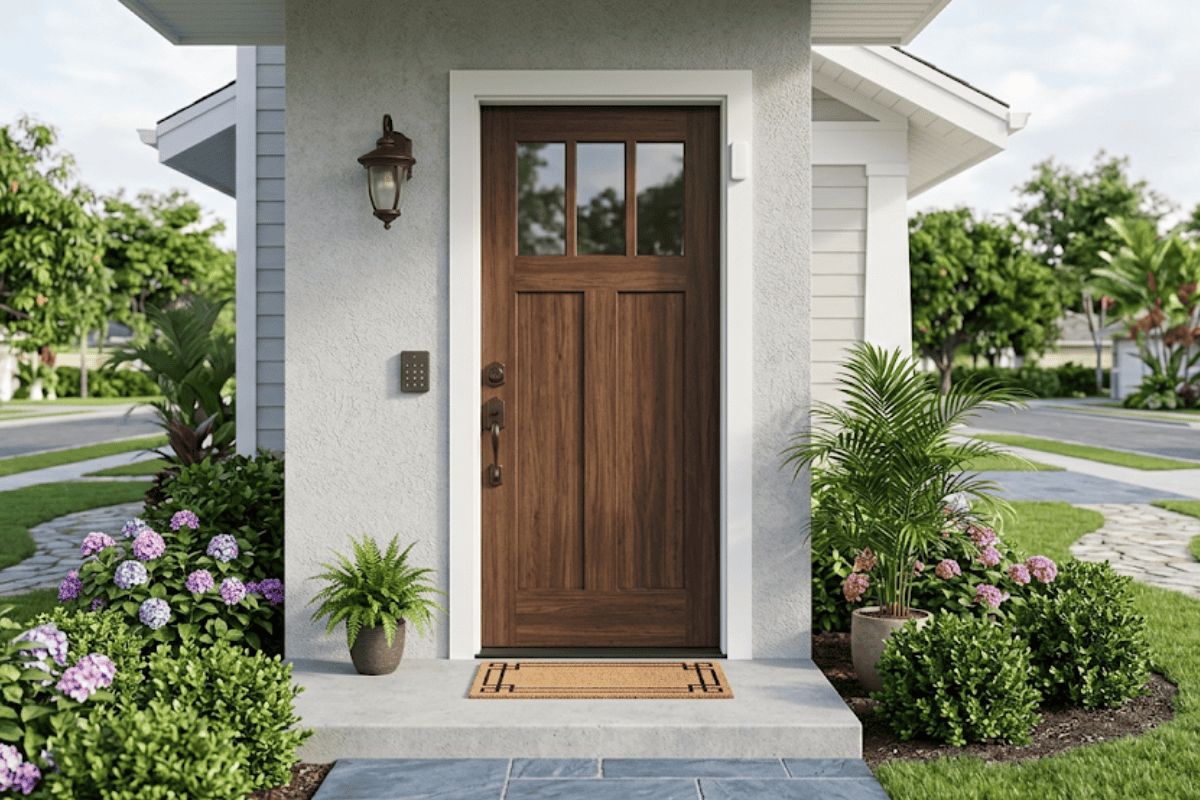
| Entry keypad | Lets the household arm and disarm the system with a code, and in many homes doubles as keyless entry so no separate key is needed at the door. |
| Monitoring / connected alerts | Sends a real-time notification, to a monitoring service, a homeowner’s phone, or both, whenever a sensor trips while the system is armed. |
Each of these pieces has one job, and together they cover the two most common entry points for a break-in: a door or window opening, and movement inside the house after that. FBI crime data shows residential properties accounted for 62.8% of all reported burglaries in a recent reporting year, and more than half of those burglaries involved forcible entry through a door or window, which is exactly what contact sensors are built to catch.
How the Core Components Work Together
The control panel is the piece that ties everything else together. It’s the hub that every sensor reports to, and it’s what decides whether a triggered sensor becomes a chime, a phone alert, or a call to a monitoring center. Without it, door and window sensors are just standalone parts with nowhere to send their signal.
Door and window sensors are the most heavily used piece of a basic system because they cover the most likely point of entry. Each one is a small two-part unit, a magnet and a switch, mounted so they separate the moment the door or window opens. That separation is what the panel reads as an alert. A motion detector backs these up by covering the interior in case someone gets past a door without tripping the sensor there, or in case a window without a sensor gets used instead.
The entry keypad exists mostly for convenience and daily use rather than detection. It’s how the people who actually live in the house arm the system before bed, disarm it coming home, and in many setups, get in the door at all without carrying a separate key. Pairing a keypad with smart lock or keyless entry hardware is common in Tulsa, OK homes specifically because it removes one more object (a physical key) that can be lost, copied, or left with someone who shouldn’t have long-term access.
Monitoring, or connected alerts, is the piece that decides who finds out when a sensor trips and how fast. A basic system can run on self-monitoring, where alerts go straight to a homeowner’s phone, or on professional monitoring, where a service verifies the alert and can contact emergency responders. One caveat worth planning for up front: sensors, especially motion detectors, can be triggered by pets, HVAC airflow, or loose window sensors, and it’s worth reading up on false alarms before assuming every alert means an intruder. Correct sensor placement during installation is what keeps nuisance alerts from becoming the norm.
What’s Optional, Not Core
Everything past the five components above is an add-on, not a requirement. Some of these add-ons solve a real problem for a specific household; none of them are part of what’s included in a basic home security system by default. Common optional pieces include:
- Security cameras, for visual confirmation of who or what triggered an alert, with the option for mobile access to footage from a phone
- Smart locks or additional keypad entry points beyond the main door
- Glass-break detectors, useful for homes with large ground-floor windows or sliding doors
- Environmental sensors for smoke, water leaks, or extreme temperature swings
- Additional motion detectors for larger floor plans or detached structures like a garage
None of these are wrong to add. The point is that a household without pets, a garage, or ground-floor sliding glass doors may not need glass-break detection or a second motion zone at all, and paying for it changes nothing about how protected that specific home actually is.
Do You Need Professional Monitoring?
This is usually the biggest cost and decision point layered on top of the core five components, and it’s worth treating as its own question rather than an automatic add-on. Self-monitoring works fine for a household that’s realistically going to see and act on a phone alert within a minute or two. Professional monitoring makes more sense for anyone who travels, works somewhere without cell reception, or wants a verified response and a call to emergency services even if their phone is off or asleep in another room.
There’s also a security tradeoff worth knowing about before leaning too hard on app-based, connected alerts. A NIST-published study on smart home device use found that most consumers rely on simple, non-technical habits to protect their connected devices, largely because manufacturers give them limited options and little guidance. That’s a reason to ask direct questions about how a system’s app and connected alerts are secured, not a reason to skip connected features altogether.
Avoiding the Upsell
A basic system should not include pressure to buy equipment a household doesn’t need, and it should never come with a contract signed on the spot during a same-day sales visit. The FTC has published specific warnings about door-to-door home security sales, including tactics like urgency (“this offer expires today”), false claims that a homeowner’s current provider is out of business, and free equipment offers that come attached to long, expensive monitoring contracts. If a homeowner in Tulsa, OK ever does sign paperwork in their own home for a security purchase, federal rules give a three-business-day window to cancel without needing a reason.
Beyond avoiding scams, there’s a research-backed reason not to skip the basics either. A UNC Charlotte study that interviewed convicted burglars found that roughly 83% said they’d try to determine whether an alarm was present before attempting a break-in, and 60% said they’d move to a different target if they spotted one. Visible alarm signage, working sensors, and a functioning keypad, the actual core components, did more to influence a burglar’s decision than any single add-on the study measured.
Why Choose Tulsa Lock & Key
Most companies sell a fixed bundle: same cameras, same sensor count, same monitoring tier, regardless of whether a household is a one-story ranch with two entry doors or a two-story home with a finished basement and a side gate nobody locks. Tulsa Lock & Key designs each system around how the household actually lives, which means the recommendation starts with a walkthrough of the property, not a price sheet with a package already circled.
That approach directly answers the question behind this whole topic: what’s actually included, and what’s actually necessary. If a home doesn’t need a second motion zone because there’s no detached garage, or doesn’t need glass-break sensors because there are no ground-floor sliding doors, Tulsa Lock & Key will say so rather than adding the line item anyway. The same logic applies to lock rekeying, keypad entry upgrades, and camera placement, each gets evaluated against the actual layout and routines of the house, not a one-size-fits-all package built for an average home that doesn’t match the one it’s being sold to.
For a Tulsa, OK homeowner trying to figure out whether a basic system covers their needs or whether specific add-ons genuinely make sense, that’s the difference between a design conversation and a sales pitch.
Conclusion
The most useful takeaway here is simple: a control panel, door and window sensors, a motion detector, an entry keypad, and some form of monitoring cover the actual detection and access needs of most homes, and everything past that should be justified by a specific feature of the property or the household, not sold as a default. A reasonable rule of thumb before adding anything to a basic setup is to ask what specific risk or inconvenience that add-on solves for this house, not homes in general. If there’s no clear answer, it’s probably not core.
A realistic expectation worth setting too: even a well-matched system will occasionally send an alert that turns out to be nothing, a pet, a gust through a loose window sensor, a service door left ajar. That’s normal, and it’s a maintenance and placement issue more than a reason to distrust the setup. Homeowners in Tulsa, OK who want a second opinion on whether their current setup matches their actual home, or who are starting from scratch, can talk through the specifics before buying anything.
Ready to find out what your home actually needs? Contact us to schedule a walkthrough with Tulsa Lock & Key.
Frequently Asked Questions
What’s included in a basic home security system?
A basic system typically includes a control panel, door and window sensors, a motion detector, an entry keypad, and a connection to monitoring or connected alerts. These five pieces cover detection at entry points, detection inside the home, daily arming and disarming, and notification when something trips a sensor.
Do I need professional monitoring with a basic system?
Not necessarily. Self-monitoring, where alerts go straight to a phone, works for households that will realistically see and respond to an alert quickly. Professional monitoring adds a verified, third-party response and is generally worth it for anyone who travels often or wants emergency contact even if their phone isn’t nearby.
Can a basic home security system be self-installed?
Many basic systems are designed for self-installation, especially wireless sensor kits with a simple control panel. However, sensor placement affects both coverage and false alarm rates, so a professional walkthrough can catch gaps that aren’t obvious until after a system is already installed.
How many sensors does a basic system need?
There’s no fixed number; it depends on how many doors and accessible windows a home has. A typical starting point covers every ground-floor entry door and window plus one motion detector for a main living area, then adjusts based on the specific layout.
What’s the difference between a basic system and a smart home security system?
A basic system covers detection and alerting through the five core components. A smart home security system layers on features like cameras with mobile access, smart locks, voice control, or automation, none of which are required for a system to function, but all of which add convenience or coverage for specific situations.
Sorry, the comment form is closed at this time.