

04 Aug How Do Keypad Door Locks Work Without WiFi?
A lot of homeowners assume a keypad lock is automatically a “smart lock,” the kind that needs a home wifi network, a phone app, and a live internet connection to open a door. That assumption is wrong for most keypad locks on the market, and it is one of the most common mix-ups Tulsa Lock & Key hears when a customer calls asking about keyless entry for their front or back door. If you are researching how do keypad door locks work without wifi, the short answer is that the majority of them never touch your router at all. The code you punch in is checked entirely inside the lock itself, using a small onboard circuit board and a battery, or in some models, no electricity whatsoever.
Understanding this distinction matters before you buy anything, because it changes what you are actually shopping for. Some keypad locks are fully mechanical. Some are electronic but standalone. Only a subset are wifi-connected smart locks, and wifi is an added feature layered on top of the same basic code-matching function, not a requirement for the lock to work at all.
How Keypad Door Locks Work Without WiFi: The Basic Mechanics
Every keypad lock, no matter how advanced, is solving the same problem: verifying that the numbers someone just entered match an authorized code. How that verification happens depends on the lock type.
Purely mechanical pushbutton locks, the kind that have been used on commercial doors for decades, use no electricity at all. Pressing the buttons in the correct sequence physically shifts a set of internal pins or a cam, which then allows the latch to retract. There is no circuit board, no battery, and nothing to charge or sync, which is part of why these locks show up so often on gates, sheds, pool enclosures, and back-of-house commercial doors.
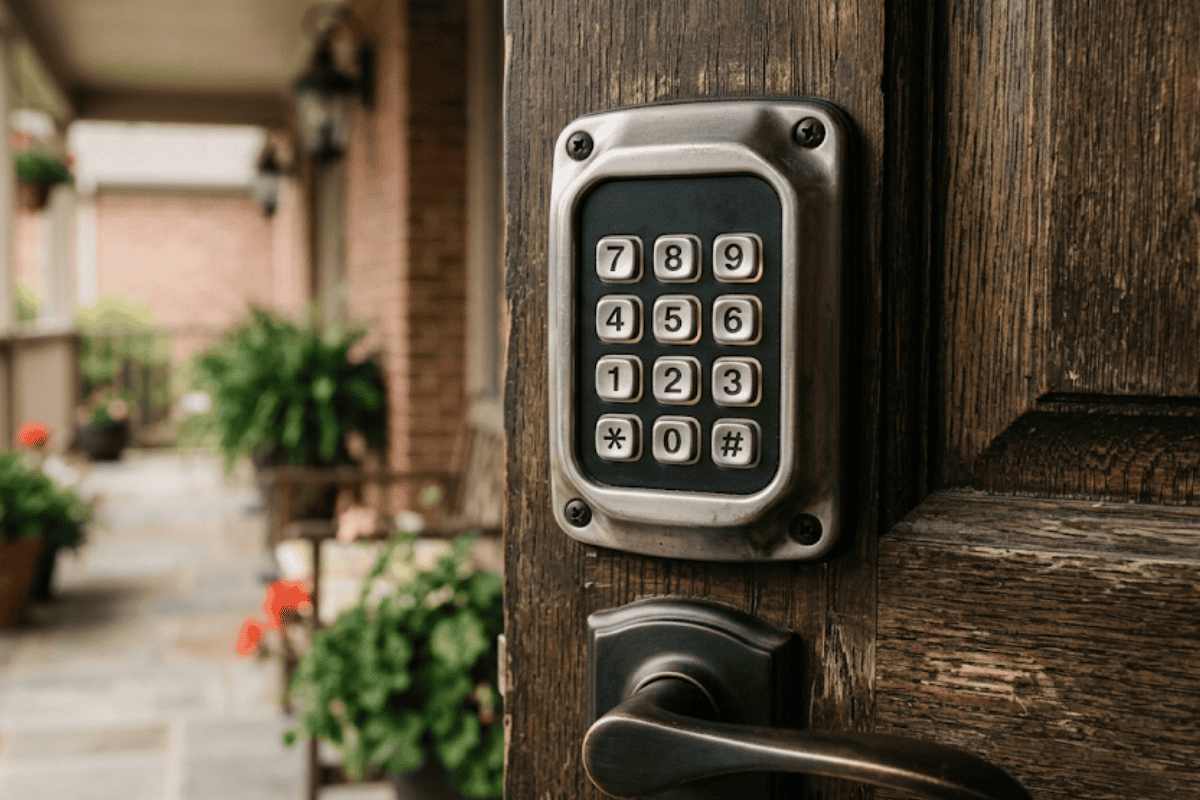
Standalone electronic keypad locks work differently but are still fully offline. A small keypad on the outside of the door is wired to a control board inside the lock body, and that board runs on batteries, commonly a set of AA cells or a 9-volt battery depending on the model. When you enter a code, the board compares it against codes stored in its own local memory. If it matches, a motor retracts the bolt. None of this requires a wifi signal, an app, or a subscription. You program the codes directly at the lock using a keypad sequence or a small programming button, and those codes stay stored on the device until you change them. Commercial-grade electronic and mechanical locking devices are commonly tested against industry benchmarks like the electrified lock standard published by ANSI and the Builders Hardware Manufacturers Association, which covers cyclical, strength, and environmental testing regardless of whether the device connects to wifi.
Wifi-enabled smart keypad locks add a layer on top of this same basic process. They still have a keypad and local code storage, but they also include a wifi radio or a hub connection so the lock can talk to an app, send you notifications, generate temporary codes remotely, and log entry activity. The keypad itself typically still works if the wifi drops, since the core code-checking still happens locally, but features like remote unlock, guest code creation from your phone, and activity history stop working until the connection is restored. Because any wifi-connected device is technically reachable over a network, federal regulators have taken action when manufacturers overstated a connected lock’s security; an FTC settlement with one smart lock maker is a useful reminder that “connected” and “secure” are not automatically the same thing, which is exactly why a purely offline keypad lock appeals to a lot of households.
| Lock Type | Power Source | WiFi/App Required? | Typical Battery Life | Best Use Case |
|---|---|---|---|---|
| Mechanical pushbutton | None, fully mechanical | No | Not applicable, no battery | Gates, sheds, storage doors, simple back-of-house entries |
| Standalone electronic keypad | Batteries, commonly AA cells or a 9-volt | No | Many battery-powered keypad locks run about 6 to 12 months per set of batteries | Households or businesses that want simple offline code entry with no app |
| WiFi/smart keypad lock | Batteries plus a wifi radio or hub connection | Yes, for remote features; the keypad itself often still works offline | Similar 6 to 12 month range, often shorter with frequent wifi syncing | Households that want remote unlock, phone-issued guest codes, and entry logs |
Why Battery Type and Power Source Matter More Than the Wifi Question
Once you know that most keypad locks do not need wifi, the more useful question becomes how the lock is actually powered and what happens when that power source runs low. Standalone electronic keypad locks give a low-battery warning, usually a series of beeps or a blinking light, well before the batteries die completely. Most also include an override option, either a physical key cylinder or a 9-volt battery contact point on the outside of the lock that lets you jump-start the circuit long enough to get in and swap the batteries. Mechanical pushbutton locks avoid the battery question entirely, which is part of their appeal for doors that see infrequent use or sit somewhere a dead battery would be a real problem, like a detached garage or a storage building.
This is also where a lot of buying mistakes happen. Someone assumes every keypad lock update requires reprogramming through an app, so they either avoid keypad entry altogether or overspend on a wifi-connected model with features they never use. On the other end, someone installs a wifi smart lock expecting constant remote access, then gets frustrated the first time the internet goes out and the app-based features stop working, even though the keypad itself usually still functions. Getting expert input before you buy, through a provider offering full locksmith services, helps avoid both mistakes.
Research on how people actually use smart locks backs this up. A 2023 usability study presented at the USENIX Symposium on Usable Privacy and Security found that most owners adopted keypad and smart locks mainly for convenience, not advanced security, and that a meaningful share underestimated risks like keypad wear patterns, where repeated presses on the same buttons can visibly reveal a code over time, regardless of whether the lock is wifi-connected or standalone. That wear-pattern issue is a mechanical reality of any keypad, wifi or not, and it is one more reason the buttons and code length matter as much as the connectivity. Federal guidance on connected devices, including the IoT cybersecurity baseline maintained by the National Institute of Standards and Technology, reinforces the same point for anyone weighing a wifi-connected keypad lock against a standalone one: every connected device adds a small amount of network exposure that a fully offline lock simply does not have.
When You Need a Backup Key, Rekey, or Reprogram
Every keypad lock, mechanical or electronic, should have a backup plan for when a code needs to change or a key is lost. On electronic models, changing the code is usually a quick process done at the lock itself, no locksmith visit required, as long as you still know the existing master code. Mechanical pushbutton locks typically require physically resetting the pin combination, which is a more hands-on job best left to someone familiar with that specific lock’s internal mechanism.
If a keypad lock also has a traditional key cylinder as a backup, and that key has been lost, changed hands, or you simply want peace of mind after a move-in, that is a different process than reprogramming a code. It involves changing the internal pins so old keys no longer work, a service explained in detail in our post on rekeying a lock. Rekeying and reprogramming a keypad code solve two different problems, and knowing which one you actually need saves both time and money.
Choosing the Right Keypad Lock for Your Door
A few practical factors determine whether a mechanical, standalone electronic, or wifi-connected keypad lock is the right fit for a given door.
- Exposure to weather. Doors facing direct sun or heavy rain in Tulsa, OK put more wear on battery contacts and keypad buttons, which favors a well-sealed standalone electronic model over a budget unit.
- How often the door is used. A high-traffic front door benefits from quick code changes and a visible low-battery alert, while a rarely used side door may be fine with a mechanical pushbutton lock that has no battery to fail.
- Who needs access and how often that changes. Frequent turnover, such as guests, cleaners, or contractors, is easier to manage with a lock that lets you add and remove codes without rekeying anything.
- Whether remote access actually matters. If nobody in the household wants to unlock the door from a phone app while away, paying for wifi connectivity adds cost and another device on the network without adding real value.
- Backup entry method. A physical key override or external battery contact point matters most on doors where being locked out is not an option, like a primary entrance.
Why Choose Tulsa Lock & Key
Picking a keypad lock starts with the power source and offline reliability question, not with which brand looks best in a showroom. Before recommending anything, we look at how the specific door is used day to day: whether it is a front entry that gets opened dozens of times a day, a garage door that sits idle most of the week, or a rental property door that needs codes changed between tenants without a service call. A household that just wants dependable offline code entry does not need to be sold a wifi-dependent smart lock loaded with app features nobody asked for, and a family that genuinely wants remote guest access and entry logs should not be talked into a bare-bones mechanical unit that cannot deliver that.
That evaluation includes the practical detail of battery type and expected replacement schedule for the specific door and climate here in Tulsa, OK, since a lock exposed to a sun-facing exterior door drains differently than one on a shaded interior garage entry. We take time to walk through those tradeoffs, including when a mechanical pushbutton lock is genuinely the better and simpler choice, without upselling a connected system a household will not actually use. That conversation happens before any installation, as part of our broader locksmith services for homes and businesses across the Tulsa area.
Ready to talk through your options? Contact us at Tulsa Lock & Key or call to schedule a keypad lock consultation for your home or business.
Common Mistakes to Avoid With Keypad Locks
- Assuming every keypad lock needs an app. Most standalone electronic and all mechanical keypad locks are programmed directly at the door, no phone or wifi network involved.
- Ignoring the low-battery warning. A beeping or blinking alert on an electronic keypad lock means it is time to change batteries soon, not eventually.
- Never testing the backup key or override. A physical key or 9-volt override contact you have never tested is a gamble the first time you actually need it.
- Mounting the keypad at an inconvenient height. Federal operable parts guidelines for hardware like keypads recommend keeping controls within an easy reach range and under 5 pounds of operating force, which also just makes daily use more comfortable for everyone in the household.
- Skipping a code change after a move-in or after giving a contractor temporary access. Old codes left active are one of the easiest security gaps to close and one of the most commonly forgotten.
Conclusion
The single most important takeaway is this: whether a keypad lock needs wifi depends entirely on which type you buy, and for most doors, an offline standalone electronic or mechanical keypad lock is a perfectly reliable choice that never depends on your internet staying up. A simple rule of thumb when deciding: if you only need dependable code entry and do not care about unlocking the door from your phone while at work, skip the wifi-connected model and save the added cost and complexity. If remote guest codes and activity logs genuinely matter to your household or business, a wifi smart keypad lock is worth the tradeoff, as long as you understand the app features pause during an outage even though the keypad itself typically keeps working.
Realistically, expect to replace batteries on an electronic keypad lock roughly once or twice a year depending on use, and expect a five-minute conversation with a locksmith to clarify which lock type actually matches how your household or business uses that specific door. Anyone weighing these options for a home or business in Tulsa, OK does not have to guess alone.
Have questions about which keypad lock fits your door? Contact us at Tulsa Lock & Key, call , or stop by to schedule a keypad lock consultation.
Frequently Asked Questions
Do keypad door locks need wifi to work?
No. Most keypad door locks, including mechanical pushbutton models and standalone electronic keypad locks, operate entirely offline by matching an entered code against codes stored locally in the lock. Wifi is only required for smart lock models offering remote app control, and even then the physical keypad often still works without an internet connection.
How long do batteries last in a keypad door lock?
Many battery-powered keypad locks run for approximately 6 to 12 months per set of batteries, though this varies by model, usage frequency, and climate. Locks that also maintain a wifi connection for app features tend to drain batteries somewhat faster due to the extra power draw from syncing.
What happens if a keypad lock’s battery dies?
Most electronic keypad locks give a low-battery warning through beeping or a blinking light before the batteries fully die. Many models also include a backup option, such as a physical key override or an external 9-volt contact point, that lets you power the lock temporarily to get inside and replace the batteries.
Can a keypad lock be hacked without wifi?
A standalone keypad lock with no wifi connection cannot be remotely hacked over the internet the way a connected smart lock theoretically could be, since there is no network path to it. The more realistic risks for offline keypad locks are physical ones, such as someone guessing a weak code or noticing wear patterns on frequently pressed buttons.
What’s the difference between a keypad lock and a smart lock?
A keypad lock is any lock opened by entering a numeric code, which can be purely mechanical or electronic and offline. A smart lock specifically refers to a connected device, usually wifi or hub-based, that adds app control, remote access, and activity logging on top of that same basic code-entry function.
Sorry, the comment form is closed at this time.